Welcome to Nanyuki Water and Sanitation Company Limited
We Make it Happen!!
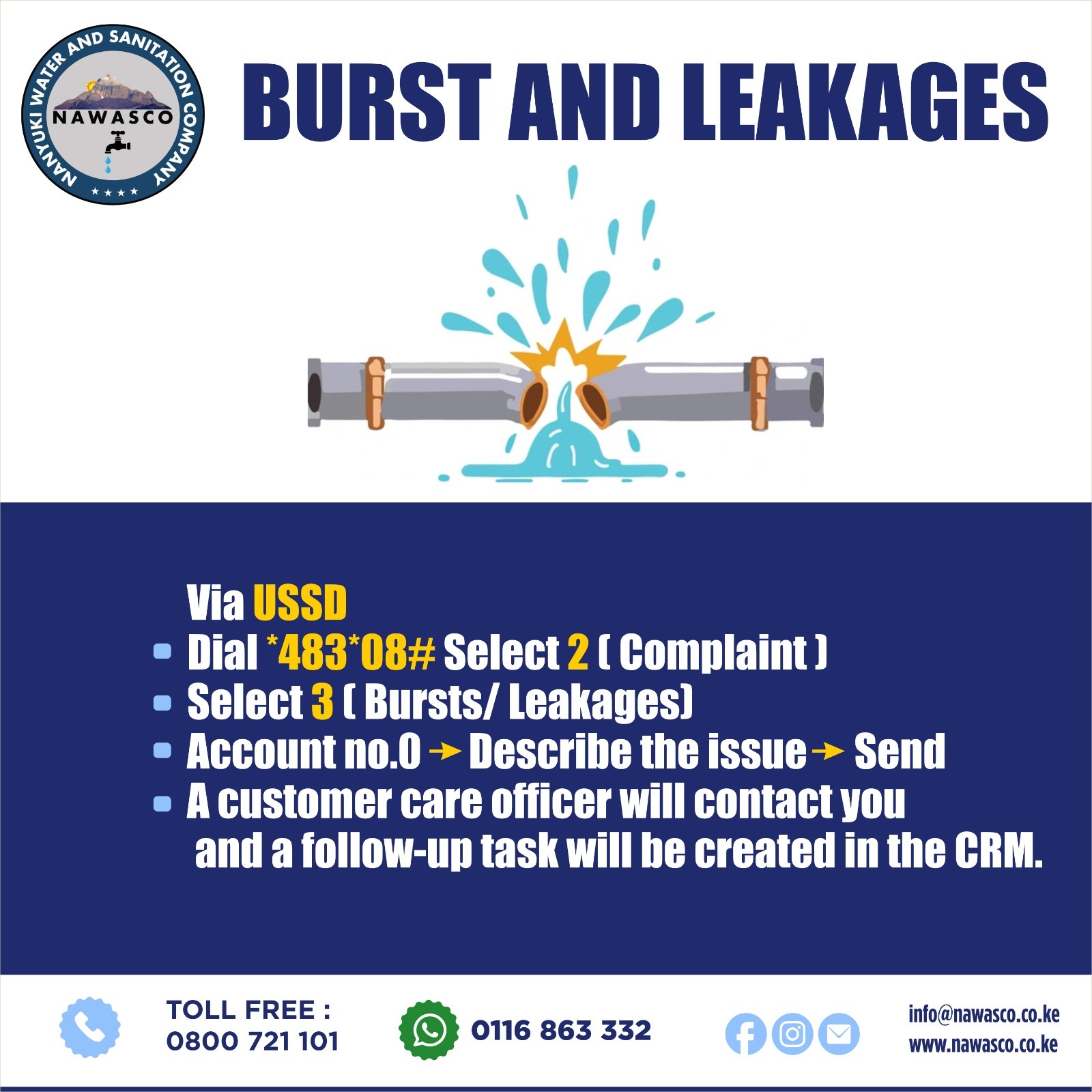
Report water burst/Leakage
94%
Water Coverage
100%
Water Quality
97%
Collection Efficiency
28%
Non - Revenue Water
We Provide Services
Toll Free: 0800 721101
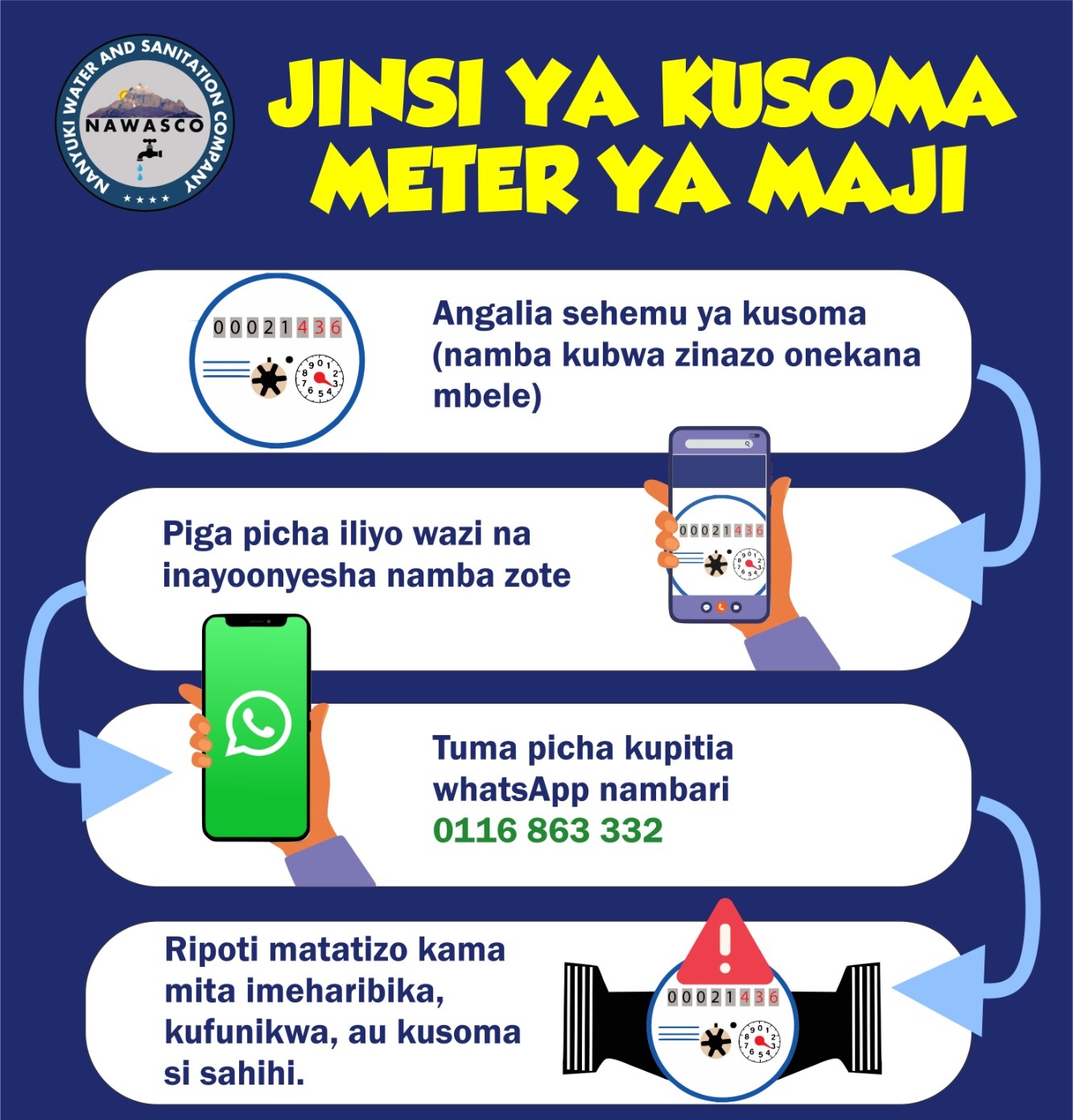
WhatsApp Number: 0116 863332
Landline: (020) 2522200
Frequently Asked Question
NAWASCO has a specific monthly billing cycle, meaning a customer will get a water bill once every month
Each meter is read once every calendar month according to schedule for a specific area, after which a bill is sent to the customer via SMS
The customer is required to pay within 14days. Failure to pay before the due date attracts a Disconnection fee of Kshs. 500
The Contents of the water bill are:
Water account number you should quote while paying
Units Consumed
Amount billed for the month and Arrears if any
Total amount to be paid and the due date
Sewer Charges are 75% of the volume of water consumed and is charged per the tariff (Domestic, Commercial, Schools and Water Kiosk)
One (1) Water unit is equivalent to 1,000 litres of water of 50 Mitungi's of 20litres
You can enquire your account balance through USSD *483*08#. Ensure the phone number that you use for USSD is the one registered with NAWASCO Database
You Can call our toll free number (0800 721 101) to enquire your account balance. You will need to provide your account number, phone number, Meter Serial number or ID number
When closing the account, a customer must report to Nawasco either through call/visit to the office.
A field officer is sent to take final meter reading and disconnect the account
The final bil is communicated to the customer
Once the customer pays the final bill, a closure form is filled for deposit refund
Go to the MPESA
Press LIPA NA MPESA
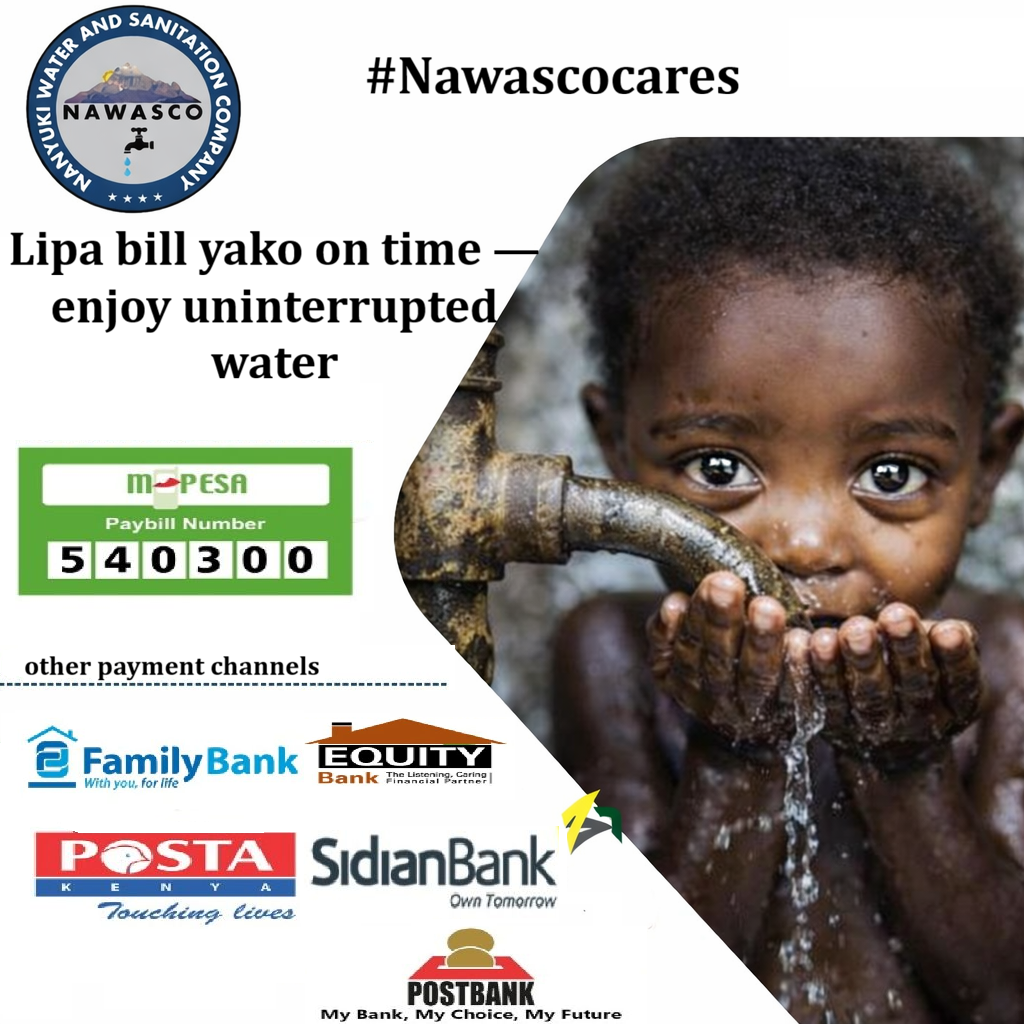
Press PAYBILL and enter 540300
Then Enter your water account number(confirm the account number has 5 digits)
Enter your MPESA pin to complete payment
Yes
Family Bank
Equity Bank
Sidian Bank
Post Bank
National Bank
Postal
Call the customer care on the toll free number (0800 721101) or visit the office or post it in the Facebook messages. Provide the MPESA transaction number
Provide the correct account number and the transaction will be transferred
If you are not receiving your bill and your phone number is registered with us in the database, the issue could be that you haave deactivated Safaricom Promotional Messages
You can activate it by: Pressing *100#, Select 5, the Select 2: then Select 5
This will enable you to receive our messages